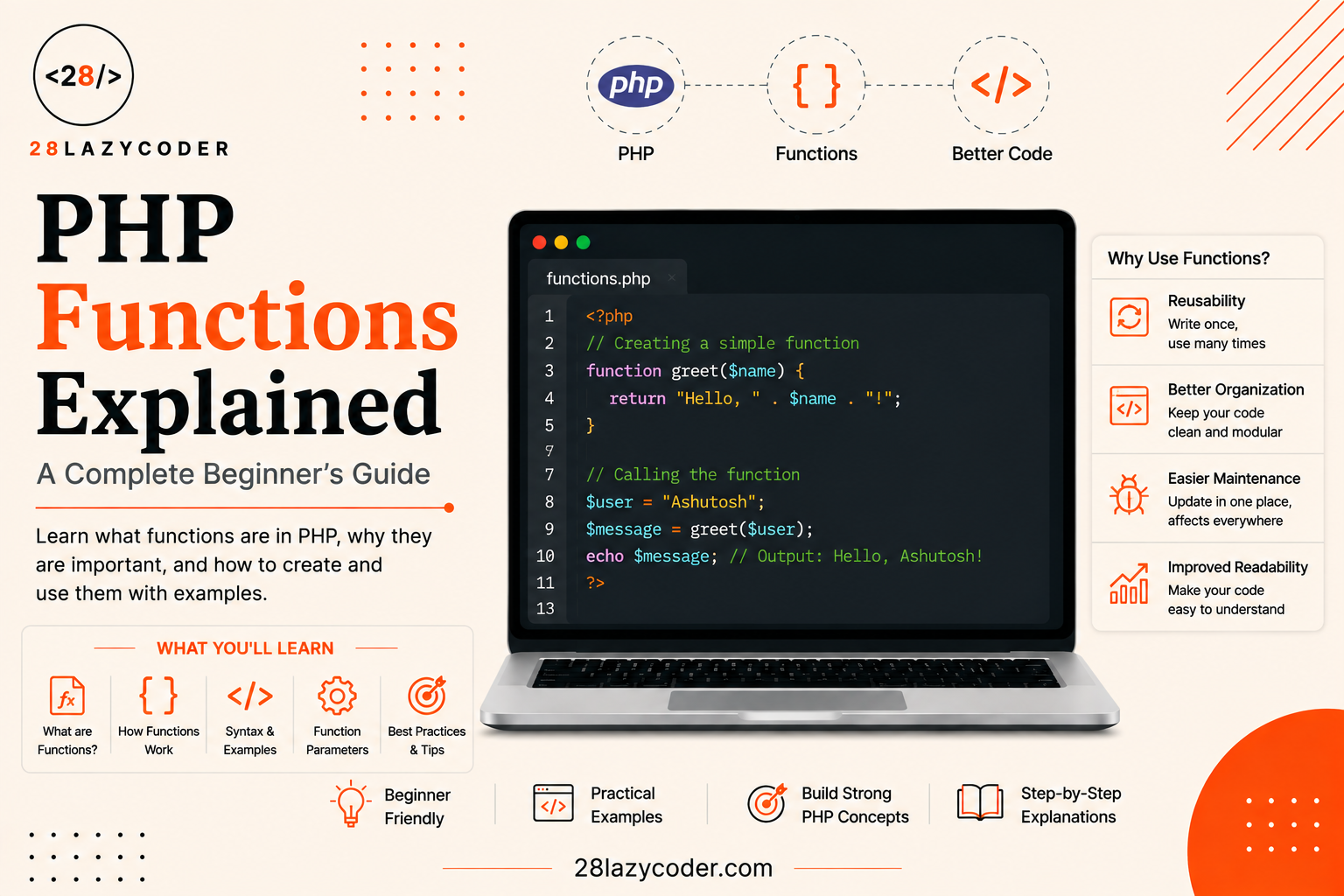
If you’ve just started learning PHP, you’ve probably come across the word “function” more times than you can count. Functions are one of the most important building blocks of PHP and honestly, of programming in general. Once you understand how they work, writing clean, reusable, and error-free code becomes a lot easier.
If you’ve already gone through PHP Variables and Data Types or PHP Operators Explained, functions are the natural next step this is where your code starts feeling less like a script and more like a program.
What Is a Function in PHP?
A function is a block of code that performs a specific task, and can be reused again and again whenever you need it. Instead of writing the same lines of code multiple times, you write it once inside a function and then simply “call” that function whenever needed.
Think of a function like a small machine: you give it some input (optional), it processes that input, and it gives you an output (optional). This keeps your code organized, easy to read, and much easier to debug.
Why Are PHP Functions Important?
Before diving into the syntax, it’s worth understanding why functions matter so much in real-world development:
- Reusability – Write the code once, use it as many times as you want.
- Readability – Breaking a big script into small functions makes it easier to understand.
- Easy Debugging – If something breaks, you know exactly which function to check.
- Better Collaboration – Teams can work on different functions independently without conflicts.
- Maintainability – Updating logic in one place automatically updates it everywhere it’s used.
This becomes obvious the moment you start working with real data for example, once you’re looping through and processing values from a PHP array, you’ll want that logic wrapped in a function instead of copy-pasted everywhere.
Types of Functions in PHP
PHP functions are broadly divided into two categories:
1. Built-in Functions
PHP comes with hundreds of ready-to-use functions for common tasks like handling strings, arrays, dates, and files. You don’t need to write these yourself PHP already has them built in. You can browse the full list in the official PHP function reference.
Examples:
strlen()– returns the length of a stringcount()– counts the number of elements in an arraydate()– returns the current date/timearray_merge()– merges two or more arrays (see PHP Arrays Explained for a deeper look at array functions)
2. User-Defined Functions
These are functions that you create yourself to perform a specific task unique to your project. This is what most beginners focus on learning first.
How to Create a Function in PHP
Creating a function in PHP is straightforward. Here’s the basic syntax:
php
function functionName() {
    // code to be executed
}
Example:
php
function sayHello() {
    echo "Hello, welcome to 28 Lazy Coder!";
}

sayHello(); // Calling the function
Output:
Hello, welcome to 28 Lazy Coder!Notice that simply defining the function doesn’t run it you need to call it by writing its name followed by parentheses.
Functions With Parameters
Most of the time, you’ll want a function to work with different values instead of just one fixed output. That’s where parameters come in.
php
function greetUser($name) {
    echo "Hello, $name! Welcome aboard.";
}

greetUser("Ashu");
greetUser("Riya");
Output:
Hello, Ashu! Welcome aboard.
Hello, Riya! Welcome aboard.
Here, $name is a parameter a placeholder that accepts different values (called arguments) each time the function is called.
You can also pass multiple parameters:
php
function addNumbers($a, $b) {
    echo $a + $b;
}

addNumbers(5, 10); // Output: 15
If you’re still shaky on +, ., or comparison symbols, it’s worth a quick detour through PHP Operators Explained with Examples before going further.
Default Parameter Values
Sometimes you want a parameter to have a default value in case none is provided:
php
function greet($name = "Guest") {
    echo "Hello, $name!";
}

greet();          // Output: Hello, Guest!
greet("Ashu");    // Output: Hello, Ashu!
Returning Values From a Function
Instead of just printing something with echo, functions can also return a value that you can use elsewhere in your code.
php
function multiply($a, $b) {
    return $a * $b;
}

$result = multiply(4, 5);
echo $result; // Output: 20
The return keyword sends the value back to wherever the function was called, so you can store it, print it, or use it in further calculations.
Variable Scope in Functions
One important thing beginners often miss: variables created inside a function only exist inside that function. This is called local scope.
php
function testScope() {
    $x = 10;
    echo $x;
}

testScope();
echo $x; // This will throw an error - $x is not defined outside the function
If you need a variable to be accessible both inside and outside a function, you’ll need to use the global keyword or pass it as a parameter/return value — but as a beginner, it’s best practice to avoid overusing global variables.
Passing Arguments by Reference
Normally, when you pass a variable to a function, PHP passes a copy of it changes made inside the function don’t affect the original variable. This is called “passing by value.”
php
function addOne($num) {
    $num = $num + 1;
}

$value = 5;
addOne($value);
echo $value; // Output: 5 (unchanged)
If you want the function to modify the original variable, you pass it by reference using the & symbol:
php
function addOne(&$num) {
    $num = $num + 1;
}

$value = 5;
addOne($value);
echo $value; // Output: 6 (changed!)
This is especially useful when a function needs to update a large array (like the ones covered in PHP Arrays Explained) without returning and reassigning it every time.
Variadic Functions (Variable-Length Arguments)
Sometimes you don’t know in advance how many arguments will be passed to a function. PHP handles this with the ... (spread) operator:
php
function sumAll(...$numbers) {
    return array_sum($numbers);
}

echo sumAll(1, 2, 3);        // Output: 6
echo sumAll(4, 5, 6, 7, 8);  // Output: 30
Here, $numbers automatically becomes an array containing all the values passed in, no matter how many there are.
Recursive Functions
A recursive function is a function that calls itself to solve a problem by breaking it down into smaller sub-problems. A classic example is calculating a factorial:
php
function factorial($n) {
    if ($n <= 1) {
        return 1;
    }
    return $n * factorial($n - 1);
}

echo factorial(5); // Output: 120
Every recursive function needs a base case (a condition that stops the recursion) otherwise, it will keep calling itself forever and eventually crash your script with a “maximum function nesting level” error. Base cases work a lot like the conditions you’d write with if/else — if that’s still fuzzy, PHP Conditional Statements Explained covers it from scratch.
Type Declarations (Type Hinting)
PHP allows you to specify the expected data type for parameters and return values. This makes your code more predictable and helps catch bugs early.
php
function addNumbers(int $a, int $b): int {
    return $a + $b;
}

echo addNumbers(4, 5); // Output: 9
If you try to pass a value of the wrong type (like a string that isn’t numeric), PHP will throw a TypeError. You can enable strict type checking by adding this line at the very top of your PHP file:
php
declare(strict_types=1);Without strict_types, PHP will try to auto-convert compatible values (like "5" to 5) instead of throwing an error. You can read more about this in the PHP manual on function arguments.
Variable Functions
PHP also lets you call a function using a variable that holds the function’s name known as a variable function:
php
function sayHi() {
    echo "Hi there!";
}

$func = "sayHi";
$func(); // Output: Hi there!
This is a more advanced technique often used in dynamic routing systems you’ll actually see a similar pattern if you look at how WordPress wires up hooks in functions.php Explained.
Anonymous Functions and Arrow Functions (A Quick Look)
As you grow more comfortable with PHP, you’ll come across anonymous functions (functions without a name) and arrow functions, often used with array functions or callbacks:
php
$square = function($n) {
    return $n * $n;
};

echo $square(6); // Output: 36
Arrow functions (PHP 7.4+) offer a shorter syntax:
php
$square = fn($n) => $n * $n;
echo $square(6); // Output: 36
You don’t need to master these right away just knowing they exist will help when you read other developers’ code. If you’ve read JavaScript Array Methods Explained on this site, this will feel familiar PHP’s arrow functions are basically the same idea as JS arrow functions used inside .map() or .filter().
Best Practices for Writing PHP Functions
- Keep functions small and focused a function should ideally do one thing well.
- Use descriptive names
calculateTotalPrice()is far clearer thancalc(). - Add type declarations wherever possible for predictable, safer code.
- Avoid too many parameters if a function needs 5+ parameters, consider passing an array or object instead.
- Document your functions using comments (or PHPDoc blocks) so other developers (or future you) understand their purpose quickly.
- Avoid global variables inside functions pass values as parameters instead for cleaner, more predictable code.
Common Mistakes Beginners Make With Functions
- Forgetting parentheses when calling a function.
- Mismatched parameter count passing fewer or more arguments than the function expects.
- Expecting variables to be accessible outside their scope.
- Overwriting built-in function names by accident when creating your own functions.
- Not using
returnwhen the function’s output is needed elsewhere in the code.
Being aware of these early on will save you a lot of debugging time later.
Wrapping Up
PHP functions might seem like a small concept at first, but they form the backbone of clean, scalable, and maintainable code. Whether you’re building a simple contact form or a full-fledged web application, mastering functions is a non-negotiable skill.
The best way to get comfortable with them? Practice. Try writing small functions for everyday tasks calculating totals, formatting text, validating form inputs and gradually you’ll find yourself thinking in functions naturally.
Related Reads on 28 Lazy Coder
- PHP Arrays Explained: A Complete Beginner’s Guide with Examples
- PHP Conditional Statements Explained: A Beginner’s Guide with Examples
- PHP Operators Explained with Examples
- WordPress functions.php Explained: What It Does and How to Use It
- JavaScript Promises Explained: A Complete Beginner’s Guide
Want more guides like this? Browse the full PHP category or check out all Code Guides.
Further Reading (External)
- PHP Manual: Function Reference — Official documentation for all built-in PHP functions.
- PHP Manual: Functions — Core language reference on defining and using functions.
- PHP: The Right Way — Community-driven best practices guide for modern PHP development.
PHP Functions Interview Questions
If you’re preparing for a PHP developer interview, functions are almost guaranteed to come up. Here are some commonly asked questions to help you prepare:
1. What is the difference between a function and a method in PHP? A function is a standalone block of code, while a method is a function that belongs to a class and operates on objects of that class.
2. What is the difference between include/require and calling a function? include/require bring external PHP files into the current script, whereas a function is a reusable block of logic defined and called within your code. They serve completely different purposes.
3. Can you overload functions in PHP? No, PHP does not support traditional function overloading (same function name with different parameters) like Java or C++. However, similar behavior can be achieved using default parameters, variadic functions, or magic methods like __call().
4. What is the difference between func_get_args() and variadic functions? func_get_args() is an older way to retrieve all arguments passed to a function regardless of the defined parameters, while variadic functions (...$args) explicitly declare that a function accepts a variable number of arguments as an array.
5. What is a callback function in PHP? A callback function is a function passed as an argument to another function, often used with built-in functions like array_map(), usort(), or array_filter().
6. What happens if a function doesn’t have a return statement? It returns NULL by default.
7. What is the difference between static and global variables inside a function? A static variable retains its value between multiple calls to the same function, while a global variable allows a function to access a variable defined outside its scope.
8. Explain the difference between pass by value and pass by reference with a real-world use case. Pass by value is used when you want to keep the original data untouched (e.g., calculating a discount without modifying the original price), while pass by reference is used when a function needs to directly update the original data (e.g., updating a shared configuration array across multiple functions).
Frequently Asked Questions
Q1. What is a function in PHP? A function in PHP is a reusable block of code designed to perform a specific task, which can be called whenever needed instead of rewriting the same code repeatedly.
Q2. What is the difference between built-in and user-defined functions? Built-in functions come pre-packaged with PHP (like strlen() or count()), while user-defined functions are custom functions written by developers for specific project needs.
Q3. Can a PHP function return multiple values? Yes, by returning an array or an object, a single PHP function can effectively return multiple values.
Q4. Do I need to specify a return type in PHP functions? No, it’s optional, but PHP does support type declarations for both parameters and return values for better code reliability.
Q5. What happens if I don’t pass a required parameter to a function? PHP will throw a warning/error unless a default value has been set for that parameter.
Q6. What is the difference between passing by value and passing by reference? Passing by value sends a copy of the variable to the function (original stays unchanged), while passing by reference (using &) allows the function to directly modify the original variable.
Q7. When should I use a recursive function instead of a loop? Recursion is useful for problems that naturally break into smaller, similar sub-problems (like tree traversal or factorials), but loops are usually more memory-efficient for simple repetitive tasks.
Q8. Can a PHP function have a default value and a type declaration at the same time? Yes for example, function greet(string $name = "Guest") is completely valid and commonly used.