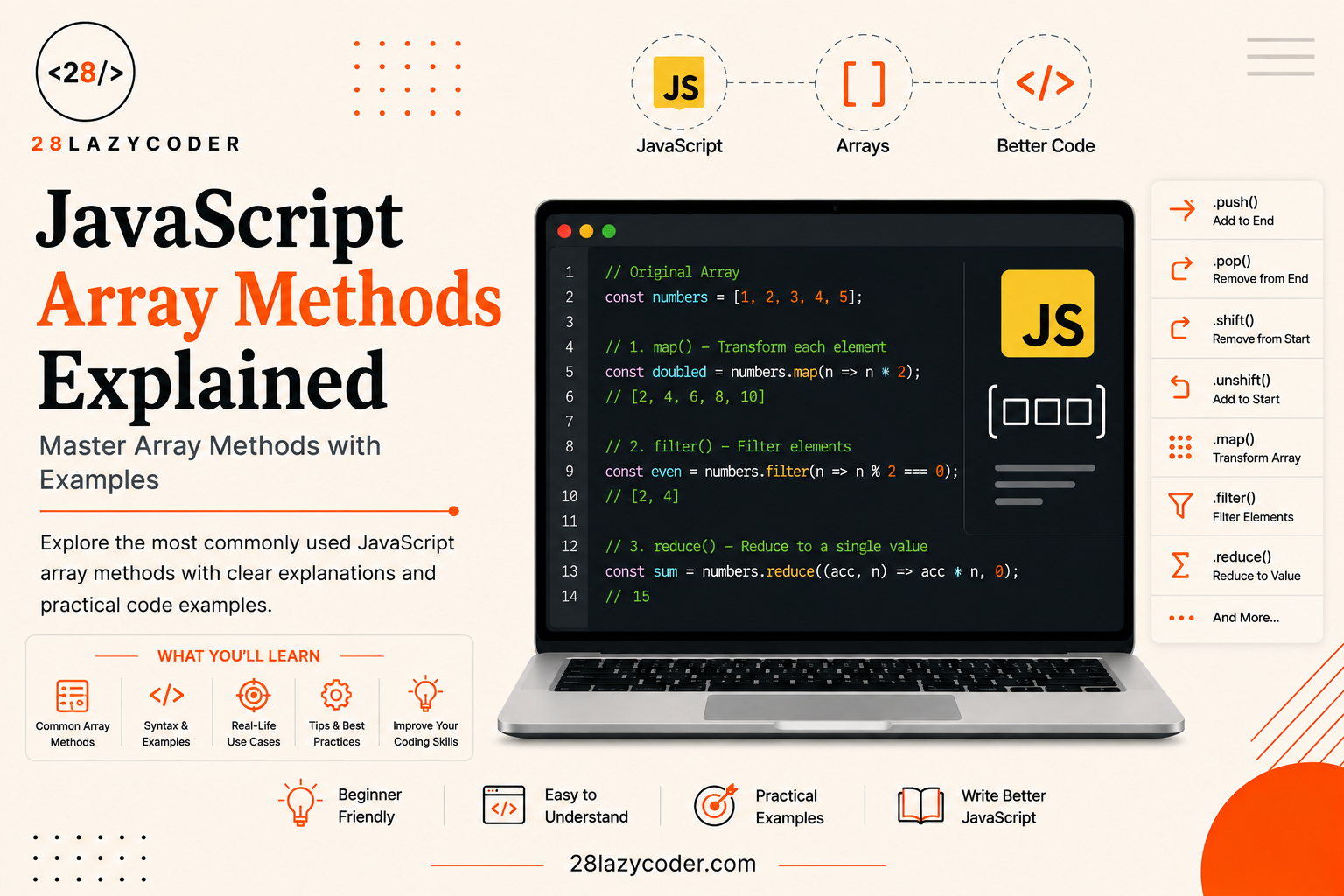
Think about a to-do list app. You add tasks, you remove tasks, you mark some as done, and sometimes you want to see only the tasks that are still pending. Every single one of those actions is happening on a list and in JavaScript, that list is almost always an array.
Now here’s the part that trips up a lot of beginners: once you have an array, how do you actually do things with it? How do you pick out only certain items? How do you change every item at once? How do you add up all the numbers in it?
The answer is array methods small, ready-made tools that come built into every JavaScript array. Learn a handful of these, and you can do in one line what used to take five or six lines of code.
If you haven’t worked with arrays yet, it’s worth reading our JavaScript Arrays guide first this article picks up right where that one leaves off.
By the end of this guide, you’ll know exactly which array method to reach for, when to use it, and just as importantly which ones can quietly cause bugs if you’re not careful.
What Is a “Method”, Exactly?
Let’s clear up the vocabulary first, because “method” sounds fancier than it needs to be.
A method is simply a function that belongs to something. If you’ve already read our guide on JavaScript Functions, you know a function is a reusable block of code that does a job. A method is the exact same idea it’s just a function that’s attached to a value, like an array.
javascript
const fruits = ["apple", "banana", "mango"];

fruits.push("orange"); // push() is a method that belongs to the array
You already know push(), pop(), and length if you’ve read our arrays guide. This article is about the next level up the methods that let you search, transform, filter, and combine array data without writing manual loops.
Why Not Just Use a Loop?
Good question. You absolutely can use a loop for everything. Array methods don’t replace loops they just make certain jobs shorter, clearer, and less error-prone.
The Old Way: Using a Loop
Say you want to double every number in an array. With a loop (covered in our JavaScript Loops and Iteration guide), it looks like this:
javascript
const numbers = [1, 2, 3, 4];
const doubled = [];

for (let i = 0; i < numbers.length; i++) {
  doubled.push(numbers[i] * 2);
}

console.log(doubled); // [2, 4, 6, 8]
That works fine. But you have to manage a counter, an empty array, and a push just to say “double each number.”
The New Way: An Array Method
javascript
const numbers = [1, 2, 3, 4];
const doubled = numbers.map((num) => num * 2);

console.log(doubled); // [2, 4, 6, 8]
Same result, one line. That (num) => num * 2 part is an arrow function a shorter way to write a function, which we cover in our JavaScript ES6 Features guide. Most array methods expect you to hand them a small function like this, called a callback, which just means “a function you pass in so the method can call it for you, once for each item.”
The Array Methods You’ll Actually Use Every Day
There are dozens of array methods in JavaScript, but you don’t need to memorise all of them on day one. These are the ones that show up again and again in real projects.
forEach() Just Run Code for Each Item
forEach() is the simplest one. It runs a function once for every item in the array. It doesn’t create a new array or give you anything back it’s just for “do something with each item,” like printing it to the console.
javascript
const students = ["Riya", "Aman", "Zara"];

students.forEach((name) => {
  console.log(`Hello, ${name}!`);
});

// Hello, Riya!
// Hello, Aman!
// Hello, Zara!
Think of forEach() as saying: “Go through this list one by one, and do this task for each one.” Nothing is sent back to you it’s a one-way trip.
map() Transform Every Item Into Something New
map() also goes through every item, but instead of just doing a task, it builds a brand-new array using whatever your function returns.
javascript
const prices = [100, 250, 400];
const withTax = prices.map((price) => price * 1.18);

console.log(withTax); // [118, 295, 472]
console.log(prices);  // [100, 250, 400] — original is untouched
Rule of thumb: if you want a new list where every item has been changed in some way, reach for map().
filter() Keep Only the Items You Want
filter() builds a new array too, but instead of transforming items, it decides which ones get to stay. Your function must return true or false for each item this is exactly the kind of yes/no check covered in our JavaScript Conditional Statements guide.
javascript
const ages = [12, 19, 15, 22, 8];
const adults = ages.filter((age) => age >= 18);

console.log(adults); // [19, 22]
Anything where your function returns true gets kept. Everything else gets left out. Simple as that.
reduce() Turn a Whole List Into One Value
This is the one beginners find trickiest, so let’s slow down here.
reduce() “reduces” an array down to a single value a total, an average, a combined string, anything. It does this by carrying a running result (called the accumulator) from one item to the next.
javascript
const cart = [299, 150, 499];

const total = cart.reduce((accumulator, price) => {
  return accumulator + price;
}, 0);

console.log(total); // 948
Breaking Down That reduce() Example
accumulatorstarts at0(the second argument toreduce()).- For each price, we add it to the accumulator and return the new total.
- Whatever we return becomes the accumulator for the next item.
- After the last item,
reduce()gives us the final accumulator value.
It feels odd at first, but once it clicks, you’ll realise almost anything can be built with reduce() including map() and filter() themselves, though you’d rarely need to do that.
find() and findIndex() Search for One Item
Sometimes you don’t want a whole new list you just want one item.
javascript
const users = [
  { id: 1, name: "Ravi" },
  { id: 2, name: "Meena" },
];

const user = users.find((u) => u.id === 2);
console.log(user); // { id: 2, name: "Meena" }

const index = users.findIndex((u) => u.id === 2);
console.log(index); // 1
find() gives you the item itself (or undefined if nothing matches). findIndex() gives you its position in the array (or -1 if nothing matches).
some() and every() Ask Yes/No Questions About the Whole Array
some()“Is at least one item true for this condition?”every()“Are all items true for this condition?”
javascript
const scores = [45, 88, 62, 90];

console.log(scores.some((score) => score > 85));  // true (at least one)
console.log(scores.every((score) => score > 85)); // false (not all)
Great for things like “is anything in the cart out of stock?” or “did every student pass?”
includes() Check If a Value Exists
If you just want a simple true/false check for whether a value is present, includes() is the shortest option:
javascript
const colors = ["red", "green", "blue"];

console.log(colors.includes("green")); // true
console.log(colors.includes("black")); // false
sort() Put Items in Order
javascript
const names = ["Zara", "Aman", "Riya"];
names.sort();
console.log(names); // ['Aman', 'Riya', 'Zara']
A Common sort() Mistake
By default, sort() treats everything as text which causes a classic bug with numbers:
javascript
const numbers = [10, 1, 21, 2];
numbers.sort();
console.log(numbers); // [1, 10, 2, 21]  ← wrong!
To sort numbers correctly, always pass a compare function:
javascript
numbers.sort((a, b) => a - b);
console.log(numbers); // [1, 2, 10, 21] ← correct
Also worth knowing: sort() changes the original array. Keep reading that difference matters a lot.
slice() vs splice() Don’t Mix These Up
These two names look almost identical but behave very differently:
slice(start, end)copies out a section of the array without changing the original.splice(start, deleteCount, ...items)removes and/or inserts items, changing the original array directly.
javascript
const fruits = ["apple", "banana", "mango", "kiwi"];

const sliced = fruits.slice(1, 3);
console.log(sliced); // ['banana', 'mango']
console.log(fruits);  // unchanged

fruits.splice(1, 1); // remove 1 item starting at index 1
console.log(fruits); // ['apple', 'mango', 'kiwi'] ← changed!
A simple way to remember it: slice is safe (it copies), splice splices into the original.
Mutating vs Non-Mutating Methods (Why This Actually Matters)
This is one of the most important ideas in this whole guide, so let’s make it crystal clear.
- Mutating methods change the original array directly. Examples:
push(),pop(),splice(),sort(),reverse(). - Non-mutating methods leave the original array alone and hand you back a brand-new array instead. Examples:
map(),filter(),slice(),concat().
Why should you care? Imagine you pass an array into another part of your app, expecting it to stay the same, but a method silently changes it behind the scenes. That’s a bug that can take hours to track down. When in doubt, check whether a method returns something new or quietly edits what you already had the MDN Array reference lists this clearly for every method.
Chaining Array Methods Together
Here’s where array methods really start to shine since map() and filter() return new arrays, you can chain several methods together in a single readable line.
javascript
const orders = [
  { item: "Pen", price: 20, paid: true },
  { item: "Notebook", price: 60, paid: false },
  { item: "Bag", price: 500, paid: true },
];

const totalPaid = orders
  .filter((order) => order.paid)
  .map((order) => order.price)
  .reduce((sum, price) => sum + price, 0);

console.log(totalPaid); // 520
Read it out loud and it almost explains itself: “Keep only paid orders, take out their prices, then add them all up.” That’s the real power of array methods your code starts to read like plain English.
Quick Reference Table
| Method | Changes Original? | Returns |
|---|---|---|
forEach() | No | undefined |
map() | No | New array (transformed) |
filter() | No | New array (subset) |
reduce() | No | Single value |
find() | No | One item or undefined |
findIndex() | No | Index or -1 |
some() / every() | No | true / false |
includes() | No | true / false |
sort() | Yes | Same array, reordered |
slice() | No | New array (section) |
splice() | Yes | Removed items (as array) |
Common Mistakes Beginners Make
- Forgetting
map()andfilter()don’t change the original array. If you don’t store the result in a variable, it’s gone. - Sorting numbers without a compare function, which quietly sorts them as text.
- Using
forEach()when you actually neededmap(), and wondering why nothing gets returned. - Forgetting to return a value inside
reduce()‘s function, which breaks the running total.
Conclusion
Array methods aren’t a separate topic from arrays they’re really just the toolbox that comes attached to every array you create. Once map(), filter(), and reduce() start feeling natural, you’ll notice your code getting shorter, easier to read, and easier to debug, because you’re describing what you want instead of writing out every step of how to get it.
Start small swap one loop in your own code for map() or filter() this week, and the rest will click into place with practice.
FAQs
Q1. What is the difference between map() and forEach() in JavaScript? map() returns a brand-new array built from your function’s return values, so you can store or use the result. forEach() doesn’t return anything useful it’s only meant for running a task on each item, like logging or updating something outside the array.
Q2. Does filter() change the original array? No. filter() always returns a new array containing only the items that passed your test. The original array stays exactly as it was.
Q3. Why does reduce() feel harder than the other array methods? Because it’s carrying a running value (the accumulator) across every item, instead of handling each item independently like map() or filter() do. It takes a bit more practice, but it’s also the most flexible method almost any array task can be solved with reduce().
Q4. Which JavaScript array methods change the original array? The main ones are push(), pop(), shift(), unshift(), splice(), sort(), and reverse(). Methods like map(), filter(), and slice() never touch the original array.
Q5. Can I use array methods on any list-like value in JavaScript? No array methods only work on actual arrays. If you have an array-like value (such as a NodeList from the DOM), you often need to convert it first using Array.from().
Q6. Do I need to memorize every JavaScript array method? Not at all. Most developers rely on around eight to ten methods map, filter, reduce, find, some, every, includes, and sort for the vast majority of real-world code. You can always look up the rest when you need them.
Continue Learning
- JavaScript Arrays: A Complete Beginner’s Guide
- JavaScript Loops and Iteration: A Complete Beginner’s Guide
- JavaScript Functions: A Complete Guide with Examples
- JavaScript ES6 Features Explained
- JavaScript Conditional Statements: A Complete Beginner’s Guide
- Browse all JavaScript guides on 28LazyCoder