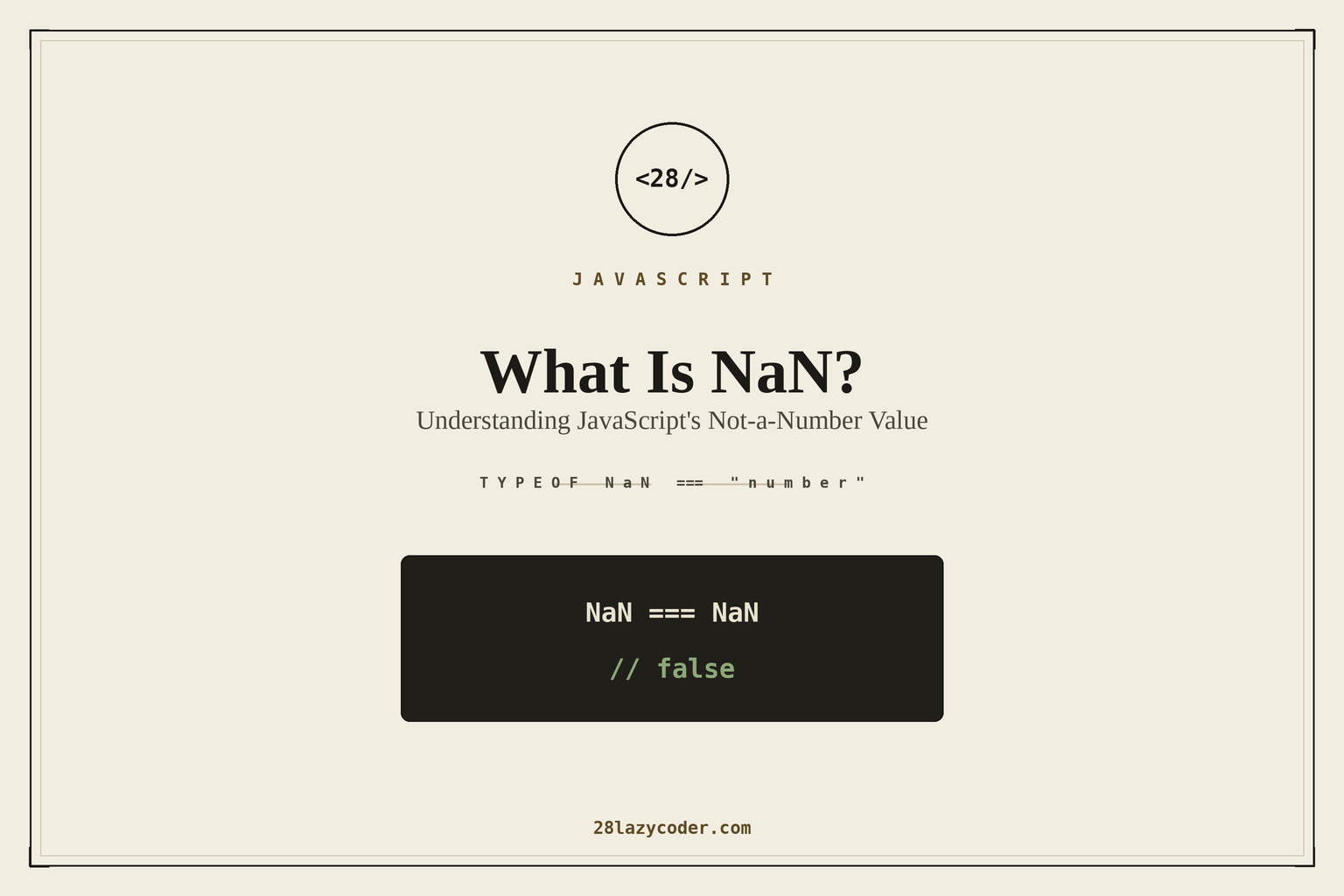
Try this in your browser console right now:
js
NaN === NaNIt returns false. Not a typo, not a bug — that’s genuinely how JavaScript is supposed to behave. The first time I saw this, I assumed I’d broken something. I hadn’t. I just hadn’t met NaN properly yet.
If you’ve ever gotten NaN back from a calculation you were sure was correct, or written an if check for it that mysteriously never triggered, this one’s for you.
What NaN actually is
NaN stands for Not-a-Number, which is a slightly confusing name because — and this trips up almost everyone the first time — typeof NaN is "number".
js
typeof NaN; // "number"Read that twice. NaN isn’t a separate data type; it’s a special numeric value that represents the result of a math operation that doesn’t produce a legitimate number. Think of it less as “not a number” and more as “the number system’s way of saying: I can’t give you a real answer here.”
Where NaN actually comes from
You’ll run into NaN from a handful of predictable places:
js
0 / 0;              // NaN — undefined mathematically
Math.sqrt(-1);       // NaN — no real square root of a negative number
parseInt("hello");   // NaN — can't parse a number out of that string
Number(undefined);   // NaN
"abc" * 2;           // NaN — "abc" can't become a number
[1, 2] + [3, 4];      // "1,23,4" — arrays coerce to strings here, not NaN, but a common gotcha nearby
The common thread: NaN shows up whenever a numeric operation has no sensible numeric result, rather than JavaScript throwing an error. This is very on-brand for JavaScript — instead of crashing, it hands you back a value and lets you find out later that something went wrong.
Why NaN !== NaN (and why that’s actually correct)
This is the part that feels broken but isn’t. NaN follows the IEEE 754 floating-point standard, which JavaScript’s number type is built on — and that standard explicitly defines NaN as not equal to any value, including itself.
The reasoning: NaN isn’t one specific value, it’s a placeholder for “the result of an invalid operation,” and there are many different invalid operations that all produce it. 0/0 and Math.sqrt(-1) are both NaN, but they didn’t fail for the “same reason” mathematically, so the standard defines NaN as never equal to anything — not even another NaN — to avoid pretending two unrelated failures are somehow the same value.
That’s the honest technical answer. The practical takeaway is simpler: never use === or == to check for NaN.
js
let result = 0 / 0;

result === NaN;  // false — this will NEVER work, for any NaN
The right way to check for NaN
Number.isNaN() — this is the one you want in almost every situation:
js
Number.isNaN(NaN);        // true
Number.isNaN(0 / 0);      // true
Number.isNaN("hello");    // false — it's a string, not NaN
Number.isNaN(undefined);  // false
Notice that last one — Number.isNaN() only returns true for the actual NaN value. It doesn’t try to convert its argument first.
The global isNaN() — this one exists too, and it’s a trap:
js
isNaN("hello");    // true — surprising!
isNaN(undefined);  // true — also surprising!
The global isNaN() coerces its argument to a number first, then checks if the result is NaN. Since "hello" can’t become a number, it gets coerced to NaN, and then the check reports true — even though the original value was never NaN to begin with, it was just a string that couldn’t be converted.
js
// Global isNaN — coerces first, then checks. Often not what you want.
isNaN("hello"); // true

// Number.isNaN — no coercion. Only true for the actual NaN value.
Number.isNaN("hello"); // false
My rule of thumb: reach for Number.isNaN() by default. Only use the global isNaN() if you specifically want the coercion behavior, and even then, write a comment explaining why — because the next person reading it will assume it’s a typo for Number.isNaN().
A quick self-check trick (before Number.isNaN existed)
Older code sometimes uses this pattern, and it’s worth recognizing even if you don’t write it yourself:
js
function isReallyNaN(value) {
  return value !== value; // only NaN is ever unequal to itself
}
This works because NaN is the only value in JavaScript where x !== x is true. It’s clever, but Number.isNaN() does the same job more clearly, so there’s little reason to reach for this in new code — it’s mostly useful for understanding legacy codebases.
Where NaN causes real bugs
Silent propagation. NaN doesn’t throw an error, so it can travel through several function calls before it surfaces somewhere visible — usually as a broken UI showing “NaN” as literal text where a number should be.
js
function getTotal(prices) {
  return prices.reduce((sum, p) => sum + p, 0);
}

getTotal([10, 20, "abc"]); // NaN — the whole sum is contaminated
One bad value anywhere in that array poisons the entire calculation, and there’s no error to tell you where it happened.
Comparisons quietly failing. Any comparison involving NaN returns false — not just ===, but <, >, <=, >= too.
js
NaN > 5;   // false
NaN < 5;   // false
NaN === 5; // false
If a variable that should be a number silently becomes NaN, comparisons involving it don’t error — they just quietly evaluate to false, which can make an if branch never fire, with no obvious clue why.
The practical takeaway
typeof NaNis"number"— it’s a numeric value, not a separate type.NaNis never equal to anything, including itself — that’s the spec, not a bug.- Use
Number.isNaN()to check for it. Avoid the globalisNaN()unless you deliberately want its coercion behavior. NaNspreads silently through calculations — validate your inputs before they reach the math, not after.
None of this is exotic JavaScript trivia — it’s the kind of thing that quietly causes a “why is this showing NaN in the UI” bug at least once in every project long enough to have a checkout flow or a form with number inputs. Understanding why NaN behaves this way, instead of just memorizing “use Number.isNaN,” makes it a lot faster to spot the next time it shows up somewhere it shouldn’t.