What Is Required to Run WordPress?
WordPress powers over 40% of all websites on the internet, making it the world’s most popular Content Management System (CMS). Whether you’re building a personal blog, portfolio, business website, or an eCommerce store, WordPress is an excellent choice.
However, before installing WordPress, it’s important to understand what you actually need to run it smoothly.
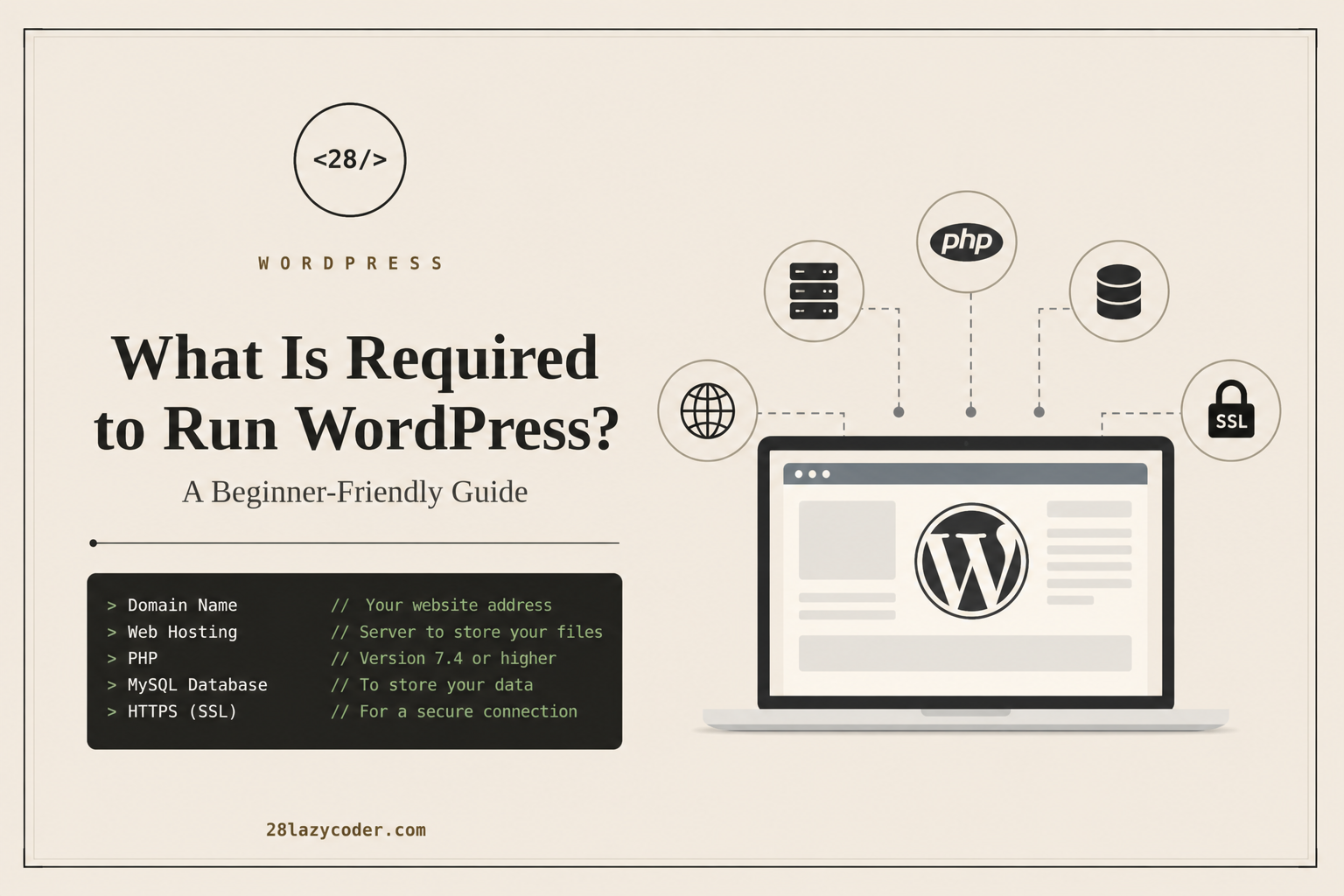
In this guide, we’ll cover everything—from the basic requirements to the recommended setup for a fast and secure WordPress website.
A Domain Name
The first thing you need is a domain name.
A domain name is your website’s address on the internet.
Examples:
- yourwebsite.com
- example.in
- myportfolio.dev
Choose a domain that is:
- Easy to remember
- Short
- Brandable
- Relevant to your website
Popular domain registrars include:
- Hostinger
- Namecheap
- GoDaddy
- Cloudflare Registrar
Web Hosting
A domain is only the address.
Your website files need a place to live.
That’s where web hosting comes in.
Hosting stores:
- WordPress files
- Images
- Database
- Themes
- Plugins
Recommended Hosting Types
Shared Hosting
Perfect for:
- Beginners
- Personal websites
- Blogs
VPS Hosting
Ideal for:
- Growing businesses
- High traffic websites
Cloud Hosting
Great for:
- Agencies
- Production websites
- Better scalability
PHP
WordPress is written in PHP.
Your hosting server must support PHP.
Minimum Requirement
PHP 7.4
Recommended
PHP 8.2 or newer
Newer PHP versions provide:
- Better performance
- Improved security
- Lower memory usage
Database
WordPress stores all your content inside a database.
This includes:
- Posts
- Pages
- Users
- Settings
- Comments
- Plugins
Supported databases include:
- MySQL 8.0+
- MariaDB 10.6+
HTTPS (SSL Certificate)
Every modern website should use HTTPS.
An SSL certificate encrypts communication between your website and visitors.
Benefits include:
- Better security
- Improved SEO
- Increased visitor trust
- Browser security indicators
Most hosting providers now include free SSL certificates.
Web Server
Your hosting should support one of these web servers:
Apache
Most common.
Great compatibility with WordPress.
Nginx
Excellent performance.
Handles high traffic efficiently.
LiteSpeed
One of the fastest options.
Works especially well with LiteSpeed Cache.
WordPress Files
Once hosting is ready, you simply install WordPress.
The installation includes:
- Core files
- wp-admin
- wp-content
- wp-includes
Many hosting providers offer 1-click WordPress installation.
Memory Limit
Technically WordPress can run with very little memory.
But for a smooth experience:
Minimum:
64 MBRecommended:
128 MBFor WooCommerce or Elementor:
256 MB or higherBrowser
WordPress works best on modern browsers such as:
- Chrome
- Firefox
- Edge
- Safari
Always keep your browser updated.
Internet Connection
Since WordPress is web-based, you’ll need a stable internet connection to:
- Publish content
- Upload media
- Install plugins
- Update themes
Recommended Requirements (Best Practice)
| Component | Recommended |
|---|---|
| PHP | 8.2+ |
| Database | MySQL 8.0+ or MariaDB 10.6+ |
| SSL | Enabled |
| Hosting | SSD/NVMe Hosting |
| RAM | 2 GB+ |
| Storage | SSD |
| Web Server | LiteSpeed or Nginx |
| Backup | Daily |
| CDN | Cloudflare |
| Cache | LiteSpeed Cache or WP Rocket |
Optional but Highly Recommended
To improve your website’s speed, security, and SEO, consider adding:
- Cloudflare CDN
- Automatic backups
- Image optimization
- Security plugin
- Caching plugin
- SEO plugin
- Spam protection
- Uptime monitoring
These tools aren’t required to run WordPress, but they significantly improve performance and reliability.
Can You Run WordPress on Your Computer?
Yes.
You can install WordPress locally using tools like:
- LocalWP
- XAMPP
- WAMP
- MAMP
- Laragon
This setup is ideal for learning, testing, or developing websites before deploying them online.
Final Thoughts
Running WordPress is easier than ever. At a minimum, you’ll need a domain name, web hosting, PHP, a MySQL or MariaDB database, and an SSL certificate. Choosing modern hosting with updated PHP and SSD storage ensures your site is faster, more secure, and ready to grow.
Whether you’re building a blog, portfolio, or online store, starting with the right setup lays the foundation for a successful WordPress website.
Frequently Asked Questions (FAQs)
Is WordPress free?
Yes. WordPress is open-source software that you can download and use for free. You’ll only need to pay for hosting and a domain name.
Can I install WordPress without hosting?
Yes, you can install it locally using tools like LocalWP, XAMPP, or Laragon. However, you’ll need hosting to make your site accessible online.
Which PHP version is best for WordPress?
PHP 8.2 or newer is recommended for the best performance and security.
How much hosting storage do I need?
For most beginner websites, 10–20 GB of SSD storage is sufficient. Larger sites with many images or videos may require more.
Do I need coding knowledge to use WordPress?
No. WordPress is designed for users of all skill levels, though knowing HTML, CSS, JavaScript, or PHP can help with customization.