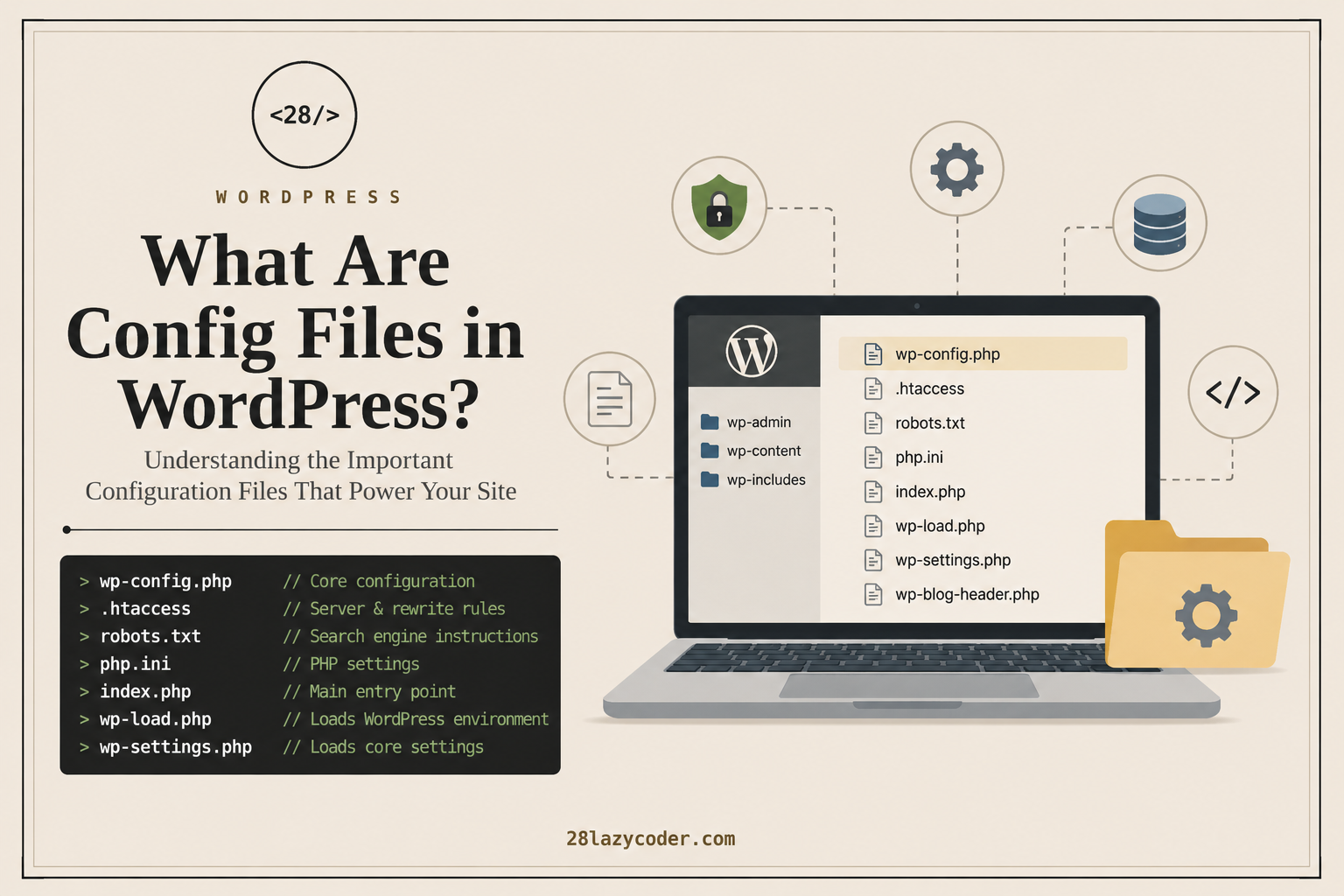
What Are Config Files in WordPress?
Every WordPress website relies on several configuration (config) files that tell the server and WordPress how your website should behave.
Think of them as the settings files of your website. Instead of changing options from the WordPress dashboard, these files allow you to control how WordPress connects to the database, handles security, manages URLs, enables debugging, and more.
If you’re a WordPress developer or website owner, understanding these files will help you troubleshoot issues, improve security, and optimize your site’s performance.
What Is a Configuration File?
A configuration file stores settings that control how software behaves.
In WordPress, configuration files define:
- Database connection details
- Security keys
- Debugging options
- URL rewrite rules
- Caching behavior
- Search engine crawling rules
- PHP settings
Without these files, WordPress wouldn’t know how to load your website.
Important Configuration Files in WordPress
wp-config.php (The Most Important File)
The wp-config.php file is the heart of every WordPress installation.
It connects your website to the database and stores critical configuration settings.
It contains:
- Database name
- Database username
- Database password
- Database host
- Authentication keys
- Table prefix
- Debug settings
- Memory limits
- Custom constants
Example:
define('DB_NAME', 'wordpress_db');
define('DB_USER', 'db_user');
define('DB_PASSWORD', 'your_password');
define('DB_HOST', 'localhost');

define('WP_DEBUG', false);
Location:
public_html/wp-config.phpNever share your
wp-config.phpfile publicly, as it contains sensitive credentials.
htaccess
The .htaccess file is used by Apache web servers to control how requests are handled.
Common uses:
- Pretty permalinks
- Redirects
- Password protection
- Security rules
- Blocking IP addresses
- HTTPS redirects
- Cache headers
Example:
RewriteEngine On
RewriteBase /
RewriteRule . /index.php [L]
Without a proper .htaccess file, your WordPress permalinks may stop working.
robots.txt
The robots.txt file tells search engine bots which parts of your website they can or cannot crawl.
Example:
User-agent: *
Allow: /

Sitemap: https://example.com/sitemap.xml
A well-configured robots.txt file helps improve SEO and prevents unnecessary crawling of sensitive directories.
php.ini
The php.ini file controls PHP settings on your server.
Common settings include:
- Upload file size
- Execution time
- Memory limit
- Maximum input variables
Example:
upload_max_filesize = 64M
post_max_size = 64M
memory_limit = 256M
max_execution_time = 300
Not all hosting providers allow direct access to this file.
index.php
Although not a configuration file in the traditional sense, index.php is the main entry point for every WordPress request.
It loads WordPress by including:
require __DIR__ . '/wp-blog-header.php';This file should generally not be modified.
wp-settings.php
This core WordPress file loads:
- Plugins
- Themes
- Core functions
- Default settings
WordPress executes this file during every page request.
Do not edit it manually.
wp-load.php
This file initializes the WordPress environment.
Developers often include it in custom scripts:
require_once('wp-load.php');This allows standalone PHP scripts to access WordPress functions.
wp-blog-header.php
This file loads the WordPress query and template system.
When someone visits your website, this file helps determine which page should be displayed.
debug.log
When debugging is enabled, WordPress writes PHP errors and warnings to:
wp-content/debug.logEnable debugging by adding this to wp-config.php:
define('WP_DEBUG', true);
define('WP_DEBUG_LOG', true);
Avoid enabling debug mode on a live production site unless you’re troubleshooting an issue.
object-cache.php (Optional)
This optional configuration file enables persistent object caching using tools like:
- Redis
- Memcached
It significantly improves performance on high-traffic websites.
Where Are These Files Located?
A typical WordPress installation looks like this:
public_html/
│
├── wp-admin/
├── wp-content/
├── wp-includes/
├── wp-config.php
├── .htaccess
├── robots.txt
├── index.php
├── wp-load.php
├── wp-settings.php
└── wp-blog-header.php
Should You Edit Config Files?
Yes—but with caution.
Always:
- Create a backup before making changes.
- Use a code editor instead of a word processor.
- Test changes on a staging site if possible.
- Make one change at a time.
- Keep a copy of the original file.
A small syntax error can make your website inaccessible.
Best Practices
- Never expose
wp-config.phpto the public. - Use strong database credentials.
- Disable debugging on production websites.
- Keep WordPress, themes, and plugins updated.
- Restrict write permissions on sensitive files.
- Regularly back up your website before editing configuration files.
Final Thoughts
Configuration files are the backbone of every WordPress website. They control everything from database connections and debugging to SEO and security. While most users can manage WordPress through the dashboard, understanding these files gives you greater control over your site and makes troubleshooting much easier.
If you’re planning to become a WordPress developer or manage websites professionally, learning these configuration files is an essential skill.
Frequently Asked Questions (FAQs)
What is the most important config file in WordPress?
wp-config.php is the most important configuration file because it contains your database connection details, security keys, and many core settings.
Can I edit the wp-config.php file?
Yes, but always create a backup first. A single typo can prevent your website from loading.
What happens if I delete the .htaccess file?
Your website may still load, but custom permalinks, redirects, and other Apache rules may stop working. WordPress can often regenerate a basic .htaccess file by saving the Permalinks settings again.
Is robots.txt required?
It’s not mandatory, but having a properly configured robots.txt file is recommended for SEO and controlling search engine crawlers.
Where can I find these files?
Most WordPress configuration files are located in your website’s root directory, typically named public_html or the folder where WordPress is installed.