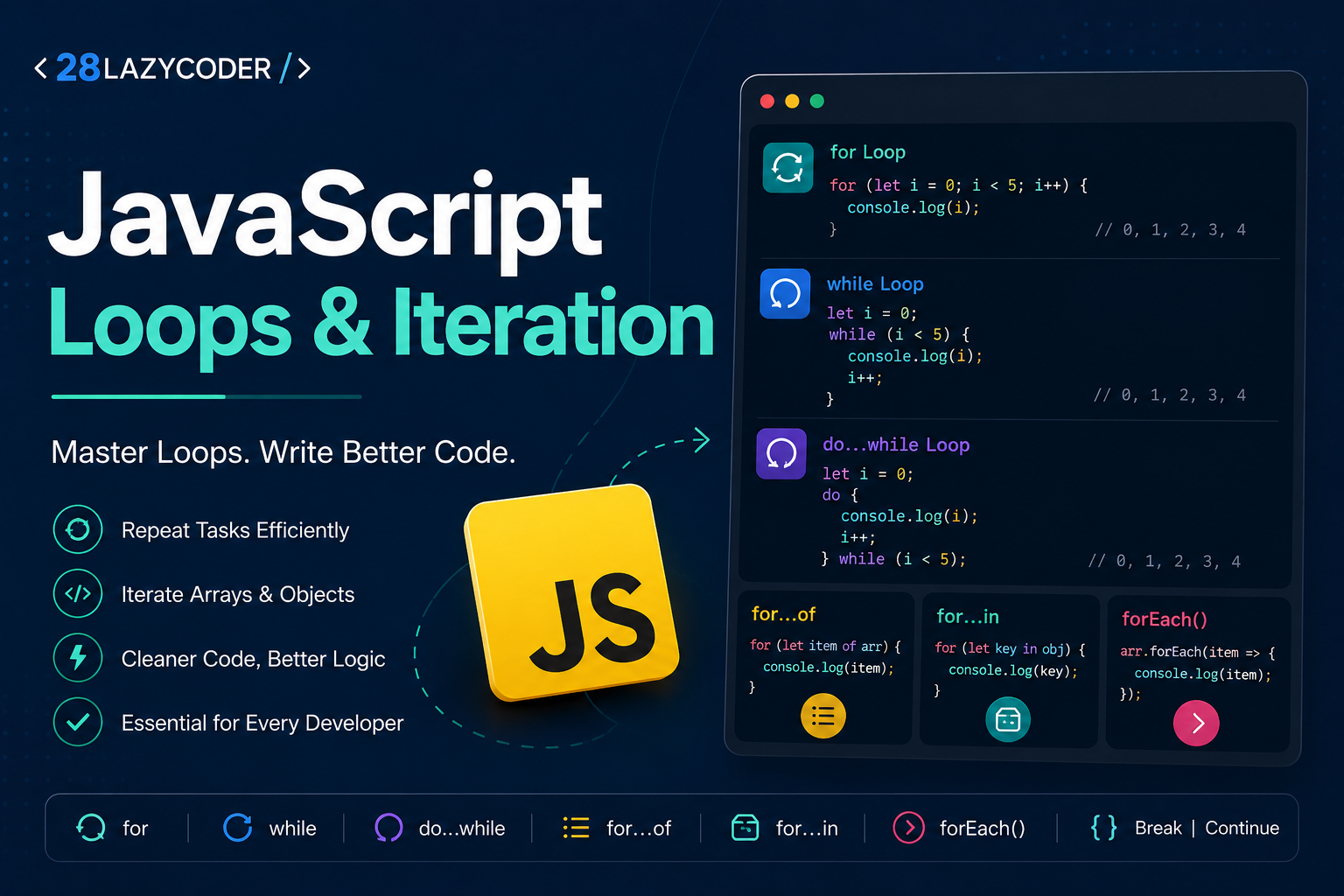
When writing JavaScript, you’ll often need to perform the same task multiple times. Imagine displaying a list of products, processing user data, or validating multiple form fields. Writing the same code repeatedly isn’t efficient.
This is where loops come in.
JavaScript loops allow you to execute a block of code multiple times until a specified condition is met. Combined with iteration techniques, loops make your code cleaner, shorter, and easier to maintain.
In this guide, you’ll learn every major JavaScript loop with practical examples and best practices.
What are Loops in JavaScript?
A loop repeatedly executes a block of code as long as a condition evaluates to true.
Instead of writing:
console.log("Welcome");
console.log("Welcome");
console.log("Welcome");
console.log("Welcome");
console.log("Welcome");
You can simply write:
for (let i = 1; i <= 5; i++) {
    console.log("Welcome");
}
The output is exactly the same, but the code is much cleaner.
Types of JavaScript Loops
JavaScript provides several looping statements:
forloopwhileloopdo...whileloopfor...ofloopfor...inloopArray.forEach()
Each serves a different purpose.
1. The for Loop
The for loop is the most commonly used loop in JavaScript.
Syntax
for (initialization; condition; increment) {
    // code
}
Example:
for (let i = 1; i <= 5; i++) {
    console.log(i);
}
Output
1
2
3
4
5
How it works
- Initialization runs once.
- The condition is checked.
- The code executes.
- The increment updates the counter.
- The loop repeats until the condition becomes false.
Example: Display Even Numbers
for (let i = 2; i <= 10; i += 2) {
    console.log(i);
}
Output
2
4
6
8
10
2. The while Loop
The while loop continues running as long as its condition is true.
Syntax
while (condition) {
    // code
}
Example
let count = 1;

while (count <= 5) {
    console.log(count);
    count++;
}
Output
1
2
3
4
5
Use a while loop when you don’t know exactly how many times the loop will run.
3. The do...while Loop
Unlike the while loop, the do...while loop executes the code at least once, even if the condition is false.
Syntax
do {
    // code
} while (condition);
Example
let number = 1;

do {
    console.log(number);
    number++;
} while (number <= 5);
Output
1
2
3
4
5
Example where the condition is false
let age = 20;

do {
    console.log("Executed once");
} while (age < 18);
Output
Executed once
4. The for...of Loop
The for...of loop is designed for iterating over iterable objects like arrays and strings.
Example
const fruits = ["Apple", "Banana", "Orange"];

for (const fruit of fruits) {
    console.log(fruit);
}
Output
Apple
Banana
Orange
You can also iterate through a string.
const language = "JavaScript";

for (const letter of language) {
    console.log(letter);
}
5. The for...in Loop
The for...in loop iterates over the keys (property names) of an object.
Example
const user = {
    name: "Ashutosh",
    city: "Noida",
    age: 25
};

for (const key in user) {
    console.log(key, user[key]);
}
Output
name Ashutosh
city Noida
age 25
Note: Avoid using for...in for arrays. Use for, for...of, or forEach() instead.
6. Array forEach()
The forEach() method executes a function for every element in an array.
Example
const numbers = [10, 20, 30, 40];

numbers.forEach(function(number) {
    console.log(number);
});
Using an arrow function
numbers.forEach(number => console.log(number));
Output
10
20
30
40
Break Statement
The break statement immediately exits a loop.
Example
for (let i = 1; i <= 10; i++) {

    if (i === 5) {
        break;
    }

    console.log(i);

}
Output
1
2
3
4
Continue Statement
The continue statement skips the current iteration and moves to the next one.
Example
for (let i = 1; i <= 5; i++) {

    if (i === 3) {
        continue;
    }

    console.log(i);

}
Output
1
2
4
5
Nested Loops
A loop inside another loop is called a nested loop.
Example
for (let row = 1; row <= 3; row++) {

    for (let col = 1; col <= 3; col++) {
        console.log(row, col);
    }

}
Nested loops are commonly used for matrices, tables, and game grids.
Looping Through Arrays
Traditional for loop
const colors = ["Red", "Green", "Blue"];

for (let i = 0; i < colors.length; i++) {
    console.log(colors[i]);
}
Modern for...of
for (const color of colors) {
    console.log(color);
}
Both produce the same output, but for...of is cleaner and easier to read.
Infinite Loops
An infinite loop never stops because its condition always remains true.
Example
while (true) {
    console.log("Hello");
}
Avoid infinite loops unless you’re intentionally creating a continuously running process.
Which Loop Should You Use?
| Situation | Best Choice |
|---|---|
| Known number of iterations | for |
| Unknown number of iterations | while |
| Execute at least once | do...while |
| Iterate arrays | for...of |
| Iterate object properties | for...in |
| Array callback operations | forEach() |
Best Practices
- Use meaningful variable names like
index,item, oruser. - Avoid infinite loops.
- Prefer
for...offor arrays because it’s easier to read. - Use
for...inonly for objects. - Use
breakandcontinuecarefully to keep your code understandable. - Choose the loop that best matches your use case instead of forcing one style everywhere.
Conclusion
Loops are one of the most powerful features in JavaScript. They help automate repetitive tasks, process data efficiently, and keep your code concise.
For most day-to-day development:
- Use
forwhen you know the number of iterations. - Use
whilewhen the stopping condition is dynamic. - Use
do...whilewhen the code should run at least once. - Use
for...offor arrays and strings. - Use
for...infor objects. - Use
forEach()for array operations when you don’t need to break out of the loop.
Understanding when to use each loop will help you write cleaner, more maintainable JavaScript code and prepare you for real-world development with frameworks like React, Vue, and Node.js.
Frequently Asked Questions
Which loop is fastest in JavaScript?
The traditional for loop is generally the fastest, but for most applications the performance difference is negligible. Choose readability over micro-optimizations.
What is the difference between for...of and for...in?
for...of iterates over values of iterable objects like arrays and strings, while for...in iterates over the property names (keys) of an object.
Can I stop a forEach() loop?
No. You cannot use break or continue with forEach(). If you need to exit early, use a for, for...of, or while loop instead.
Which loop should I use for arrays?
for...of is the preferred choice for most array iteration because it’s simple, readable, and avoids manual index management.
What is an infinite loop?
An infinite loop is a loop whose condition never becomes false, causing it to run continuously until the program is stopped.