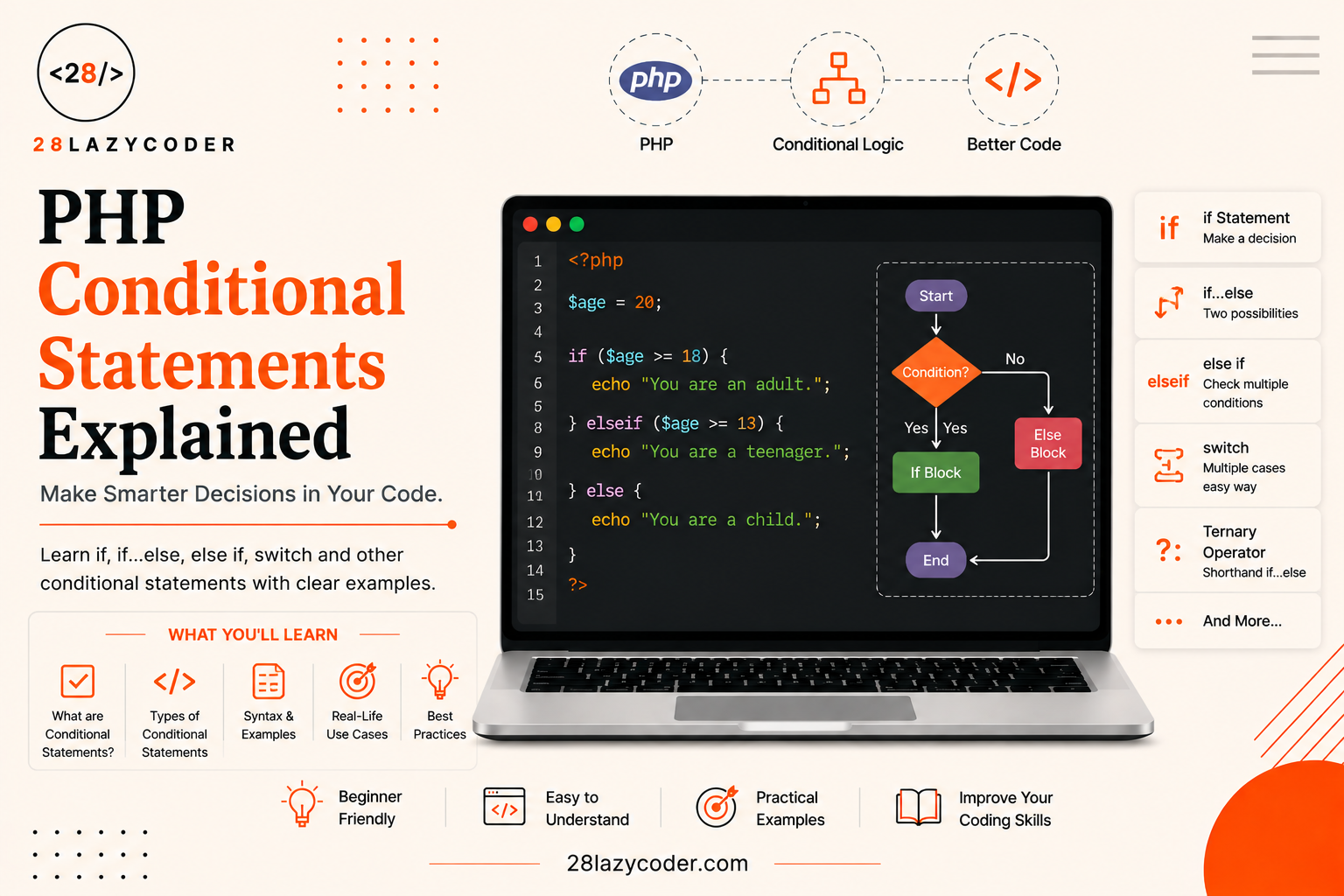
Think about your daily routine for a second. If it’s raining, you carry an umbrella. If it’s sunny, you wear sunglasses. Otherwise, you just walk out as usual. You’re not thinking about it, but your brain is constantly making little “if this, then that” decisions all day long.
PHP code needs to make decisions too. Should it show “Welcome back!” or “Please log in”? Should it apply a discount or not? Should it let someone into a members-only page or send them away? This is exactly what conditional statements are for.
If you’ve already read our guide on PHP operators, you already know how to check things like “is this number bigger than that one” using comparison operators like > or ==. Conditional statements are what let you actually act on those checks.
By the end of this guide, you’ll know how to use if, else, elseif, switch, match, and the ternary shortcut confidently with beginner-friendly examples for every single one.
Let’s get into it.
What Is a Conditional Statement in PHP?
A conditional statement is a piece of code that says: “If this thing is true, do this. Otherwise, do something else.” That’s really the whole idea nothing more complicated than that.
Every conditional statement relies on something called a condition an expression that evaluates to either true or false. These true/false values are called booleans, and you’ll bump into them constantly once you start using comparison operators (==, >, <, and so on) or logical operators (&&, ||, !).
php
<?php
$isRaining = true;

if ($isRaining) {
    echo "Take an umbrella!";
}
?>
Here, $isRaining holds the value true, so PHP runs the code inside the curly braces { }. If it were false, PHP would simply skip that block and move on.
Types of Conditional Statements in PHP
PHP gives you a few different tools for decision-making. You don’t need all of them for every situation — you pick the right one depending on how many possibilities you’re dealing with.
1. The if Statement
This is the simplest one. It runs a block of code only when the condition is true.
php
<?php
$age = 20;

if ($age >= 18) {
    echo "You are an adult.";
}
?>
If $age were 15, nothing would be printed at all, because the condition $age >= 18 would be false, and PHP would just skip the block.
2. The if...else Statement
Most of the time, you don’t just want to react when something is true you also want a plan for when it’s false. That’s what else is for.
php
<?php
$age = 15;

if ($age >= 18) {
    echo "You are an adult.";
} else {
    echo "You are a minor.";
}
// Output: You are a minor.
?>
Think of if...else like a fork in the road. PHP checks the condition, and depending on whether it’s true or false, it takes one path or the other — never both.
3. The if...elseif...else Statement
Real life isn’t always just two options. Sometimes you need to check several conditions one after another. That’s where elseif comes in.
php
<?php
$marks = 72;

if ($marks >= 90) {
    echo "Grade: A";
} elseif ($marks >= 75) {
    echo "Grade: B";
} elseif ($marks >= 60) {
    echo "Grade: C";
} else {
    echo "Grade: D";
}
// Output: Grade: C
?>
How PHP Reads This Step by Step
PHP checks each condition from top to bottom, in order, and stops at the very first one that’s true.
- Is
$marks >= 90? No (72 is less than 90) skip. - Is
$marks >= 75? No (72 is less than 75) skip. - Is
$marks >= 60? Yes! — run this block and stop checking the rest.
Even though 72 technically also satisfies “greater than 0” or many other conditions, PHP never bothers checking anything after it finds a match. This top-to-bottom order matters a lot, so always put your more specific conditions first.
4. The switch Statement
When you’re comparing one single variable against many possible fixed values, writing a long chain of elseif statements gets messy. The switch statement is a cleaner way to handle this.
php
<?php
$day = "Wed";

switch ($day) {
    case "Mon":
        echo "Start of the work week";
        break;
    case "Wed":
        echo "Midweek check-in";
        break;
    case "Fri":
        echo "Almost the weekend!";
        break;
    default:
        echo "Just another day";
}
// Output: Midweek check-in
?>
Why the break Keyword Matters
This trips up almost every beginner at least once. Without break, PHP doesn’t stop after finding a match it keeps running every case below it too, a behaviour called fall-through.
php
<?php
$day = "Mon";

switch ($day) {
    case "Mon":
        echo "Start of the work week. ";
        // no break here!
    case "Wed":
        echo "Midweek check-in.";
        break;
}
// Output: Start of the work week. Midweek check-in.
?>
Notice how both messages printed, even though $day was only "Mon". PHP matched the "Mon" case, ran it, and then — because there was no break — just kept sliding down into the next case. Always add break at the end of each case unless you deliberately want this fall-through effect.
The default case works like the else in an if statement it runs only when none of the other cases match.
5. The Ternary Operator (A One-Line Shortcut)
Sometimes an if...else feels like overkill for a very simple decision like picking between two short values. The ternary operator lets you write that in a single line.
php
<?php
$age = 20;
$status = ($age >= 18) ? "Adult" : "Minor";
echo $status; // Adult
?>
Read it like this: “condition ? do this if true : do this if false.” It’s just a compact version of if...else nothing magical, just shorter.
There’s also an even shorter version for a common pattern: checking if a value exists before falling back to a default.
php
<?php
$username = $_GET['user'] ?? "Guest";
// If 'user' isn't set, PHP uses "Guest" instead
?>
This ?? symbol is called the null coalescing operator, and we cover it in more detail in our PHP operators guide it’s especially handy when working with data coming from HTML forms.
6. The match Expression (PHP 8+)
If you’re using a recent version of PHP (PHP 8.0 or newer), there’s a modern alternative to switch called match. It’s stricter, shorter, and doesn’t need break at all.
php
<?php
$day = "Wed";

$result = match ($day) {
    "Mon" => "Start of the work week",
    "Wed" => "Midweek check-in",
    "Fri" => "Almost the weekend!",
    default => "Just another day",
};

echo $result; // Midweek check-in
?>
Unlike switch, match uses strict comparison (similar to ===) and automatically stops after the first match no fall-through surprises here.
Comparing PHP’s Conditional Tools
| Statement | Best Used When | Needs break? |
|---|---|---|
if | You have one simple true/false check | No |
if...else | You need exactly two outcomes | No |
if...elseif...else | You have several different conditions to check | No |
switch | You’re comparing one variable against many fixed values | Yes |
match (PHP 8+) | Same as switch, but shorter and stricter | No |
Ternary ? : | A very short, single-line true/false decision | No |
Common Mistakes Beginners Make with Conditionals
- Using
=instead of==inside a condition.$age = 18assigns a value;$age == 18compares it. This is one of the most common beginner bugs in all of PHP. - Forgetting
breakin aswitchstatement, which causes unwanted fall-through into the next case. - Writing overly long
elseifchains when aswitchormatchwould be much easier to read. - Mixing up
==and===. If you’re not sure why this matters, our PHP operators guide explains it clearly with examples. - Nesting too many
ifstatements inside each other, which makes code hard to follow. If you find yourself with four or five levels of nestedif, it’s usually a sign to rethink the logic.
None of these mistakes mean you’re doing something wrong as a beginner pretty much every PHP developer has tripped over each one at some point.
Conclusion
Conditional statements are how your PHP code actually “thinks.” Once if, else, and elseif feel natural, you’ll start recognizing decision points everywhere form validation, login checks, showing different content to different users, and so much more. switch and match simply give you cleaner ways to handle those decisions when you have many fixed options to compare.
The best way to really understand this is to open a PHP file and try changing the variable values in the examples above. Watch how the output changes each time that hands-on experimenting is what makes it click.
FAQs
Q1. What is a conditional statement in PHP? A conditional statement is code that runs different blocks depending on whether a condition is true or false. The most common ones are if, else, and elseif.
Q2. What is the difference between if...else and switch in PHP? if...else works well for checking different conditions, including ranges (like $age >= 18). switch is better when you’re comparing one single variable against several exact, fixed values.
Q3. Why do I need break in a switch statement? Without break, PHP keeps running the code in every case below the one that matched, a behaviour called fall-through. Adding break stops execution right after the matching case.
Q4. What is the ternary operator in PHP? It’s a shorthand way of writing a simple if...else in one line, using the format condition ? valueIfTrue : valueIfFalse.
Q5. Is match better than switch in PHP? match (available from PHP 8.0) is often considered cleaner because it doesn’t need break, uses strict comparison automatically, and returns a value directly. switch is still useful and works on older PHP versions.
Q6. Can I use logical operators like && and || inside an if statement? Yes. You can combine multiple conditions using && (AND) and || (OR). For example: if ($age >= 18 && $hasID) { ... }. Our PHP operators guide covers these in detail.
Continue Learning
- PHP Operators Explained with Examples
- PHP Variables: Everything You Need to Know
- PHP Data Types Explained: A Complete Beginner’s Guide
- PHP Strings Explained: A Beginner’s Guide with Examples
- Echo vs Print in PHP: What’s the Difference?
- HTML Forms Explained: A Complete Beginner’s Guide
Explore more guides on 28LazyCoder.
External Reference: For the complete, official documentation on control structures, see the PHP Manual: Control Structures.