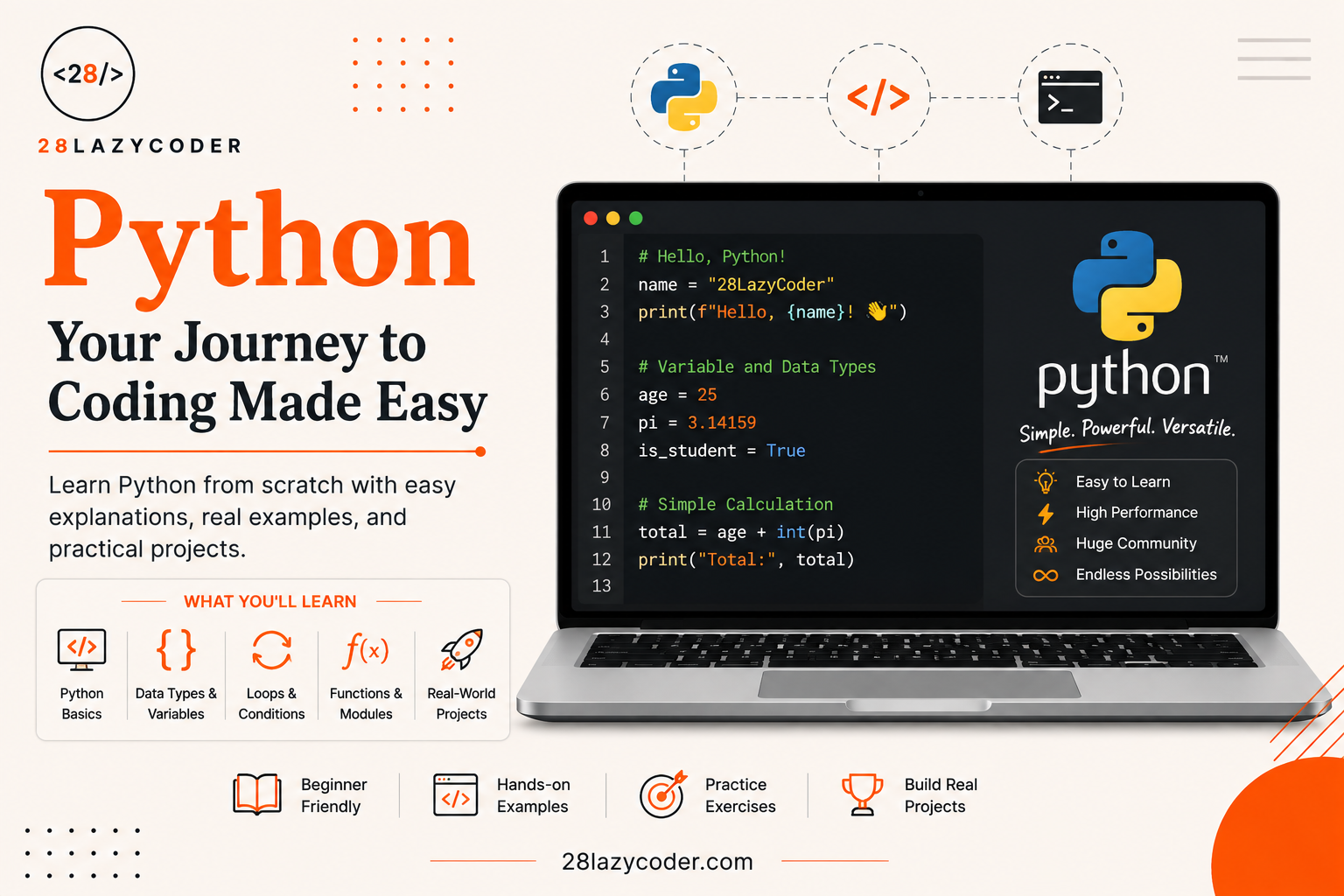
Have you ever wondered how Instagram knows what to show you next, or how a self-driving car “sees” the road? A lot of that magic is built using something called Python.
If you’re just starting your coding journey, you’ve probably heard the word “Python” thrown around a lot. Maybe a friend told you to learn it first. Maybe you saw it on a job listing. Maybe you’re just curious what all the fuss is about.
Don’t worry — by the end of this article, you’ll understand exactly what Python is, why so many people love it, and what you can actually build with it. No confusing terms, no boring textbook talk. Just simple, honest explanations, like a friend teaching you over coffee.
Let’s get started.
What Exactly is Python?
Python is a programming language — which is just a fancy way of saying it’s a set of instructions you can give to a computer so it does what you want.
Think of it like this: a computer is very powerful, but it’s also very dumb. It doesn’t understand English. It doesn’t understand “hey, please add these two numbers.” You have to speak its language — and Python is one of the easiest “languages” humans have created to talk to computers.
Python was created by a programmer named Guido van Rossum and was first released in 1991. He wanted a language that was easy to read and easy to write — almost like reading plain English sentences. And honestly? He succeeded.
Here’s a tiny example of Python code:
python
print("Hello, world!")That’s it. That one line tells the computer: “Show the words Hello, world! on the screen.” No confusing symbols, no long setup. Just plain, readable instructions.
Why is Python Called “Easy to Read”?
Most programming languages are full of curly brackets {}, semicolons ;, and strict rules that trip up beginners. Python skips a lot of that. It uses indentation (spacing at the start of a line) instead of brackets to organise code, which forces you to write neat, clean code from day one.
Compare this JavaScript code:
javascript
if (age > 18) {
  console.log("You can vote");
}
To this Python code:
python
if age > 18:
    print("You can vote")
See how much simpler that looks? That’s the whole idea behind Python — get out of your way and let you focus on solving the actual problem, not fighting with the language.
Why Do Beginners Love Python?
There are hundreds of programming languages out there. So why does almost every “best language for beginners” list mention Python first? Let’s break it down.
1. It Reads Like English
As we saw above, Python code looks close to how we naturally speak. Words like if, else, for, and print do exactly what they sound like. You don’t need to memorise a dictionary of strange symbols before you can write your first program.
2. It Has a Huge, Friendly Community
Whenever you get stuck (and every coder does, even experts!), chances are someone else has already asked the same question online. Python has one of the largest programming communities in the world, which means tutorials, forums, and free resources are everywhere.
3. It’s Used Everywhere — Not Just One Field
Some languages are only good for one job. Python isn’t like that. It’s used in:
- Web development — building websites and web apps
- Data science — analysing huge sets of information to find patterns
- Artificial Intelligence (AI) and Machine Learning — teaching computers to “learn” from data (Netflix recommendations, chatbots, etc.)
- Automation — writing small scripts that do boring, repetitive tasks for you automatically
- Game development — building simple games
- Cybersecurity — testing systems for weaknesses
If you’re curious how AI actually works behind the scenes, we’ve broken it down simply in our guide on what artificial intelligence is — Python is one of the main tools used to build those AI systems.
4. You Get Results Fast
When you’re learning something new, seeing quick results keeps you motivated. With Python, you can build a working calculator, a simple game, or a program that renames hundreds of files automatically — all within your first few weeks of learning.
How Does Python Actually Work?
Here’s a simple way to understand it. When you write Python code, you save it in a file that usually ends with .py (for example, myfirstprogram.py).
Your computer doesn’t understand this file directly. So Python uses something called an interpreter — a program that reads your Python code line by line and translates it into instructions the computer’s hardware can actually understand.
This is different from some other languages (like C++) that need to be fully “compiled” (translated all at once into a separate file) before they can run. Python skips that extra step, which is one more reason it’s so beginner-friendly — you write code, hit run, and see the result almost instantly.
A Real Beginner Example
Let’s say you want a program that asks for your name and then greets you. In Python, it looks like this:
python
name = input("What is your name? ")
print("Hello, " + name + "! Welcome to Python.")
Just two lines, and you already have an interactive program. Try explaining that same task in a low-level language, and you’d need a lot more code just to do the same simple thing.
What Can You Actually Build With Python?
Let’s make this real. Here are some everyday things built (partly or fully) using Python:
| Application | How Python is Used |
|---|---|
| Handles server-side logic for millions of users | |
| Spotify | Powers data analysis for song recommendations |
| Netflix | Helps run recommendation systems |
| NASA | Used for scientific calculations and simulations |
| ChatGPT-style AI tools | Built and trained using Python-based frameworks |
You don’t need to build the next Instagram, of course! Most beginners start with small, fun projects like:
- A number guessing game
- A simple to-do list app
- A basic calculator
- A program that automatically organises files in a folder
- A quiz app
Small wins like these build real confidence — and before you know it, you’re solving actual problems with code.
Is Python Hard to Learn?
Honestly? Python is considered one of the easiest programming languages to start with, especially compared to languages like C++ or Java. That doesn’t mean it has zero learning curve — you’ll still need practice, patience, and a bit of trial and error (every coder does!).
But because the syntax (the grammar rules of the language) is so close to plain English, most beginners can write their first working program within their very first sitting.
If you’re completely new to coding in general and want to understand core ideas like variables, logic, and structure before diving deeper, it also helps to get comfortable with basic programming concepts — the same logical thinking applies whether you’re learning Python, JavaScript, or PHP.
Python vs Other Beginner Languages
| Language | Best For | Beginner Friendly? |
|---|---|---|
| Python | AI, data science, automation, general use | Very |
| JavaScript | Websites, interactive pages | Yes |
| PHP | Server-side web development, WordPress | Yes |
| C++ | System-level software, game engines | Harder |
If you’re also exploring the web development side of things, our guide on JavaScript DOM manipulation is a great next step once you’re comfortable with programming basics.
Where Can You Write and Run Python Code?
You don’t need any complicated setup to try Python. Here are a few beginner-friendly options:
- Online editors — Websites where you can type Python code and run it instantly in your browser, no installation needed.
- IDLE — A simple editor that comes bundled with Python itself when you download it.
- VS Code — A free, popular code editor many professional developers use, with helpful Python extensions.
To install Python properly on your own computer and start writing real programs, the official Python website is the best and safest place to download it from.
Conclusion
So, what is Python, in one simple sentence? It’s a beginner-friendly programming language that lets you give clear, simple instructions to a computer — and it’s powerful enough to run some of the biggest apps and AI systems in the world.
Whether you want to build websites, analyse data, automate boring tasks, or step into the world of Artificial Intelligence, Python is one of the best starting points you can pick. It doesn’t demand years of experience before you see results — you can write your very first working program today.
If this article made Python feel a little less intimidating, that’s exactly the goal. Every expert coder started exactly where you are right now — typing their first print("Hello, world!").
FAQs
Q1. Is Python a good language for complete beginners? Yes. Python is widely recommended for beginners because its syntax (writing rules) is simple, readable, and close to plain English, so new coders can understand and write code faster.
Q2. What is Python mainly used for? Python is used for web development, data science, automation, artificial intelligence, machine learning, game development, and even scientific research.
Q3. Do I need to install anything to try Python? Not necessarily. You can try Python using free online editors in your browser. But to build real projects, it’s best to install Python from its official website.
Q4. Is Python free to use? Yes, Python is completely free and open-source, meaning anyone can download, use, and even help improve it.
Q5. How long does it take to learn Python basics? Most beginners can understand the basics (variables, loops, conditions) within a few weeks of regular practice, though becoming confident takes ongoing, consistent learning.
Q6. Is Python better than JavaScript for beginners? Neither is strictly “better” — it depends on your goal. Python is great for AI, data, and automation, while JavaScript is the go-to language for making websites interactive. Many developers eventually learn both.
Continue Learning
Want to keep building your coding foundation? Check out these guides on 28LazyCoder:
- What is Artificial Intelligence? A Beginner’s Guide
- JavaScript DOM Manipulation Explained
- Git vs GitHub: What’s the Difference?
- PHP Data Types Explained: A Complete Beginner’s Guide
- Browse more tutorials on the 28LazyCoder Blog
Trusted External Resources
- Official Python Documentation — download Python and read the official beginner’s guide
- Python Tutorial on W3Schools — simple, example-based lessons
- Python Programming Language on GeeksforGeeks — deeper explanations and practice problems